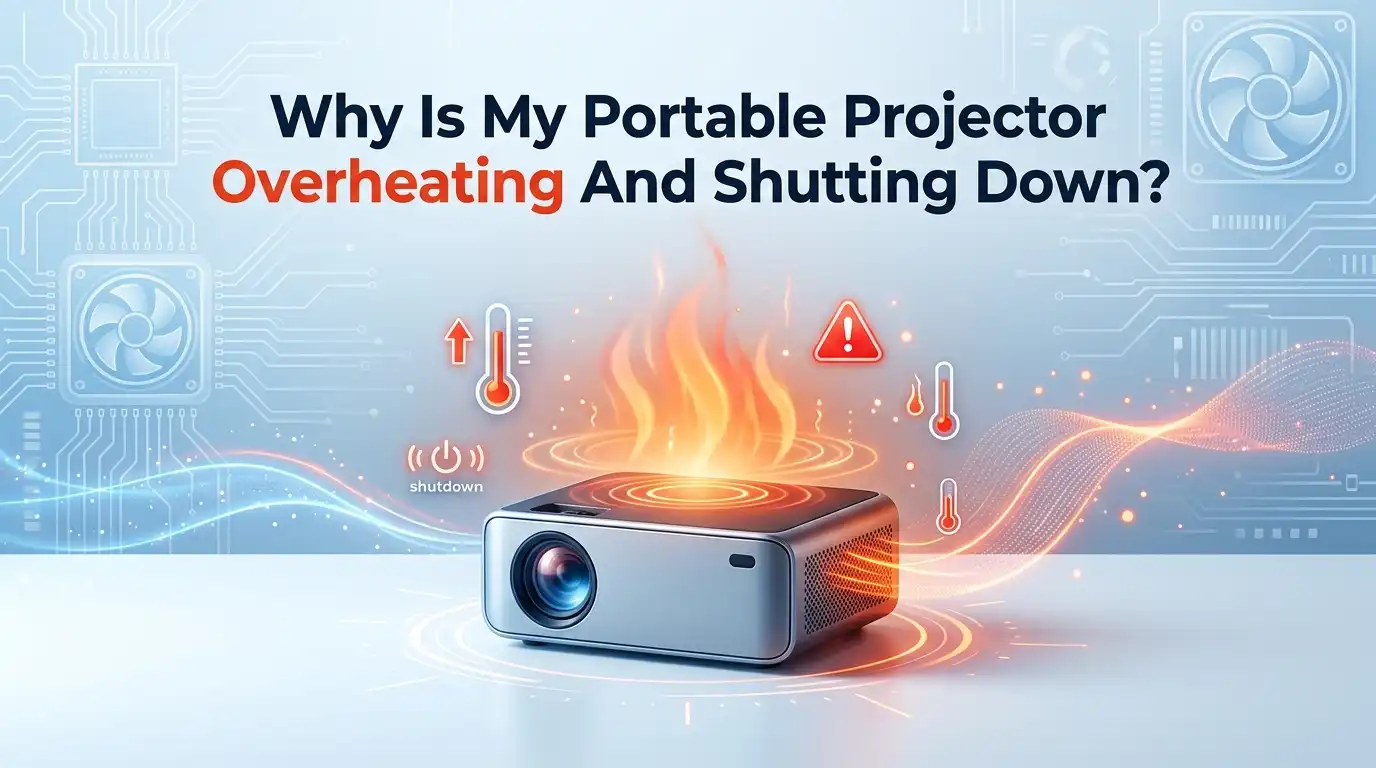
Why Is My Portable Projector Overheating And Shutting Down?
Your movie night just got cut short. The screen went black. The projector clicked off on its own. You touched the body and it felt hot, almost too hot to hold. This is a frustrating moment, and you are not alone in facing it.
A portable projector that overheats and shuts down is one of the most common problems owners report. The good news is that most causes are simple to fix at home. You usually do not need a technician or a costly repair.
In this guide, you will learn why your projector gets too hot and how to cool it down for good. Each section gives you clear steps, plus the pros and cons of each fix. Let us solve this together, one step at a time.
In A Nutshell:
- Dust is the number one cause. Clogged vents and dirty fans block airflow. A simple cleaning fixes most overheating cases.
- Poor ventilation kills projectors fast. Your projector needs at least 12 inches of open space around every vent. Never place it inside a closed cabinet.
- Room heat matters more than you think. A hot room or direct sunlight forces the unit to work harder. Cool the space and the projector cools too.
- Eco mode is your best friend. Lowering brightness reduces heat output and extends the life of your light source.
- Some shutdowns are not heat at all. A failing power supply, loose cable, or old firmware can mimic overheating. Always rule these out.
- Prevention beats repair. Regular cleaning and smart placement stop the problem before it starts. A few minutes of care saves you money.
What Overheating Really Means For Your Projector
Your projector has a built in safety feature. When the internal temperature climbs too high, the device shuts itself off. This protects the light source and circuit board from permanent damage.
So a shutdown is actually your projector trying to save itself. It is a warning, not a death sentence. The heat builds up because the cooling system cannot keep pace with the heat produced inside.
Portable projectors are small. They pack bright lights and tight electronics into a compact shell. This design leaves little room for air to move. That makes them more prone to heat trouble than large home theater units.
Understanding this helps you stay calm. The shutdown means the system works. Now your job is to lower the heat load so it stops happening. The next sections show you exactly how.
Check For Dust And Clogged Vents First
Dust is the most common reason portable projectors overheat. Tiny particles build up inside the vents and on the cooling fan over time. This blocks airflow and traps heat inside the body.
Start here because it is the easiest fix. Turn off the projector and unplug it. Let it cool for at least 30 minutes before you touch the vents.
Now look closely at the air intake and exhaust grilles. If you see grey fuzz or a film of dust, that is your problem. Use a can of compressed air to blow the dust out. Aim along the natural airflow direction, never against it.
Pros: This fix is cheap, fast, and safe for anyone to do.
Cons: Heavy internal dust may need a deeper cleaning that opens the case, which can void your warranty.
Improve The Air Flow Around The Projector
Where you place your projector matters a lot. A unit pushed against a wall or stuffed on a shelf cannot breathe. The hot air it pushes out gets sucked right back in.
Give your projector room to breathe. Leave at least 12 inches of open space on every side. The intake and exhaust vents especially need clear paths for air.
Never put a portable projector inside a closed cabinet or media box. These enclosed spaces trap heat fast and cause shutdowns within minutes. An open shelf or a tripod stand works far better.
Also check the surface below it. A soft bed, couch, or blanket can block bottom vents. Place the unit on a hard, flat surface like a table or desk instead.
Pros: Costs nothing and works instantly.
Cons: You may need to rearrange your room or buy a small stand.
Watch The Room Temperature And Sunlight
Your projector fights against the heat of its surroundings. A hot room makes the cooling fan work much harder. On a warm summer day, this alone can trigger a shutdown.
Keep the room cool while you use the projector. Turn on a fan or air conditioner if you have one. Aim for a comfortable room temperature rather than a stuffy, warm space.
Direct sunlight is a hidden enemy. Sun beaming onto the projector body heats the shell and raises the internal temperature. Move the unit out of any direct sunbeams.
Outdoor users should take extra care. Use your projector in the shade during cooler evening hours. Avoid running it on hot pavement or near a grill or fire pit.
Pros: Simple changes that improve picture quality too.
Cons: You cannot always control the weather or your room setup.
Clean The Internal Fan Carefully
The cooling fan is the heart of the temperature control system. When dust coats the fan blades, it spins slower and moves less air. Sometimes the fan jams completely and stops.
If outside cleaning did not help, the fan may need attention. Listen for the fan sound. A healthy fan hums steadily. A silent or rattling fan signals trouble.
Some portable projectors have a small removable panel for fan access. Check your manual first. If you can reach the fan, gently blow compressed air across the blades to clear dust.
Do not force the case open if it is sealed. You risk damage and a voided warranty. A repair shop can clean a sealed fan safely.
Pros: Restores full cooling power and reduces fan noise.
Cons: Opening the case is risky, and a dead fan needs replacement.
Use Eco Mode To Lower Heat Output
Brightness and heat go hand in hand. The brighter your projector runs, the more heat it makes. Most overheating happens at maximum brightness settings.
This is where Eco mode saves the day. Eco mode lowers the brightness of the light source by a set amount. Less light means less heat, which means fewer shutdowns.
Find Eco mode in your projector settings menu. It often appears as “Eco,” “Lamp Economy,” or “Power Saving.” Switch it on for long viewing sessions.
You lose a little brightness, but the trade is worth it. In a dark room, the difference is barely noticeable. Eco mode also extends the life of your light source by thousands of hours.
Pros: Cuts heat fast, saves power, and protects the light source.
Cons: The picture looks dimmer in bright rooms or daylight.
Give Your Projector Cooling Breaks
Running a projector for hours without rest builds up heat. Even with good airflow, continuous use pushes the system to its limit. Portable units feel this strain more than large models.
Plan short breaks during long sessions. After two or three hours, turn the projector off for ten minutes. This lets the internal parts cool back down to a safe range.
Use the breaks wisely. They make a natural pause for snacks, drinks, or stretching. Your projector cools while you relax, and nobody misses much.
Never yank the power cord the instant it shuts off. The fan keeps running to cool the light source even after the picture stops. Let the cooldown cycle finish before you unplug.
Pros: Easy habit that greatly reduces shutdowns.
Cons: Breaks interrupt long movies or back to back episodes.
Inspect The Power Supply And Cables
Not every shutdown is caused by heat. A faulty power supply can shut your projector off and feel like overheating. This is an easy cause to overlook.
Check the power adapter first. Feel it during use. A power brick that gets extremely hot or buzzes may be failing. A weak adapter cannot deliver steady power, so the unit cuts out.
Look at every cable too. A loose plug or frayed cord causes random shutdowns. Push each connector in firmly and swap out any damaged cable.
Try a different wall outlet as well. Some outlets supply unstable power, especially on shared circuits. Plug the projector into a known good outlet and test again.
Pros: Often a cheap fix with a new cable or adapter.
Cons: A bad internal power board needs professional repair.
Update The Firmware And Software
Modern portable projectors run on software, just like phones do. Old or buggy firmware can cause false shutdowns that look like overheating. A bug in the temperature sensor reading is one example.
Check for updates often. Open the settings menu and look for a “System Update” or “Firmware” option. Connect to Wi Fi and install any update offered.
Manufacturers release updates to fix known problems. A fresh update may correct a fan control bug or a sensor error. This simple step solves shutdowns that no cleaning can.
If your model updates through a website, follow the maker’s guide closely. Do not unplug the unit during an update. A broken update can leave the projector unusable.
Pros: Free, easy, and fixes hidden software bugs.
Cons: Not all budget projectors offer firmware updates.
Add External Cooling For Extra Help
Sometimes the built in fan needs a hand. External cooling gives stubborn projectors the extra airflow they crave. This trick works well for units that run hot in warm rooms.
A small USB powered fan placed near the exhaust vent moves hot air away faster. Point it so it pulls heat out, not so it fights the projector’s own airflow.
You can also raise the projector slightly. Place small rubber feet or a stand under it to lift the body. This opens space below the bottom vents for better air movement.
Cooling pads made for laptops can work too. Set the projector on top and let the pad pull heat from below. Test the placement so vents stay clear.
Pros: Affordable boost that often stops shutdowns for good.
Cons: Adds clutter and extra cables to your setup.
Replace An Aging Light Source Or Lamp
Older projectors use lamps that burn hotter as they age. A lamp near the end of its life runs much hotter than a fresh one. This extra heat can trigger constant shutdowns.
If your projector uses a replaceable lamp, check its hours. Many units show lamp hours in the menu. Replace the lamp once it nears its rated limit.
LED and laser models last far longer and run cooler. LED light sources often reach 20,000 to 30,000 hours. If you replace your projector, a cooler running LED model prevents future heat trouble.
Always use the correct lamp for your model. A wrong or cheap lamp can produce uneven heat. Let the unit cool fully before you swap any lamp.
Pros: A new lamp restores cool, bright performance.
Cons: Lamps cost money, and LED units cannot be relamped.
Reset Your Projector To Factory Settings
When nothing else works, a factory reset can clear hidden glitches. Bad settings or corrupted data sometimes cause odd shutdown behavior. A reset wipes the slate clean.
Back up your preferences first if you can. Note your favorite picture and sound settings. A reset erases all custom changes and returns the unit to its original state.
Find the reset option in the system menu. It often sits under “General,” “System,” or “Reset.” Confirm the reset and let the projector restart fully.
After the reset, set up the projector fresh. Turn on Eco mode and check ventilation right away. This gives you a clean start with the best heat settings in place.
Pros: Clears software bugs that other fixes miss.
Cons: You lose all saved settings and must set them up again.
When To Call A Professional Or Seek Repair
Some problems sit beyond a home fix. Knowing when to stop saves you from making things worse. If you tried the steps above and shutdowns continue, it is time for help.
Watch for warning signs. A burning smell, melted plastic, or a fan that never spins points to internal damage. Stop using the projector right away if you notice these.
Contact the maker first if your unit is under warranty. Opening the case yourself often voids the warranty. The maker may repair or replace the unit for free.
For out of warranty units, a trusted electronics repair shop can help. They can clean sealed fans, replace power boards, or swap a dead fan. Weigh the repair cost against a new projector.
Pros: Experts fix deep issues safely and correctly.
Cons: Repairs cost money and take time away from you.
Final Thoughts On Keeping Your Projector Cool
An overheating projector feels alarming, but the fix is usually within reach. Most cases come down to dust, airflow, or room heat. These three causes account for the majority of shutdowns.
Start with the simple steps. Clean the vents, give the unit space, and turn on Eco mode. These three actions solve most problems in under an hour.
Build good habits to prevent repeats. Dust the vents every few months. Keep the projector in a cool, open spot. Take cooling breaks during long sessions.
Your portable projector wants to last for years. Treat it with a little care and it will reward you with many bright, uninterrupted movie nights. Stay cool, and enjoy the show.
Frequently Asked Questions
How long can a portable projector run before it overheats?
Most portable projectors run safely for two to three hours at a time. After that, heat builds up and the risk of shutdown grows. Good airflow and Eco mode extend this window. Take a ten minute break during long sessions to keep the unit cool and stable.
Is it normal for my portable projector to feel hot?
Yes, some warmth is normal. Projectors produce light and heat as they work. A warm body is fine, but a body too hot to touch is a warning sign. If it feels extremely hot or shuts off, check the vents and airflow right away.
Can I use my projector while it charges?
This depends on your model. Many portable projectors allow use while charging, but this adds extra heat from the battery and charger. If yours overheats during charging, let it charge first, then use it. Always check your manual for the maker’s advice.
Why does my projector shut off even after I cleaned it?
Cleaning fixes dust, but other causes remain. A failing fan, bad power supply, or old firmware can still cause shutdowns. Check your cables, update the firmware, and turn on Eco mode. If shutdowns continue, the fan or power board may need repair.
Does Eco mode really stop overheating?
Eco mode helps a lot. It lowers brightness, which cuts the heat your projector produces. Less heat means fewer shutdowns and a longer light source life. It will not fix a clogged fan or blocked vent, so combine Eco mode with good cleaning and airflow for best results.
Will overheating permanently damage my projector?
A single shutdown rarely causes lasting harm. The safety shutoff protects the parts. But repeated overheating wears down the light source and circuit board over time. Fix the cause quickly to avoid permanent damage. Constant heat shortens the life of any projector.
Hi, I’m Rosie Tate — a tech enthusiast, gadget geek, and the creator of RapidConvertLab! 🚀 I’ve spent years exploring the ever-evolving world of electronics, smart devices, and Amazon’s hidden tech treasures. Through my honest, hands-on reviews, I help everyday shoppers cut through the noise and pick gadgets that truly deliver value. When I’m not testing a new device, I’m probably unboxing one! 📦✨