
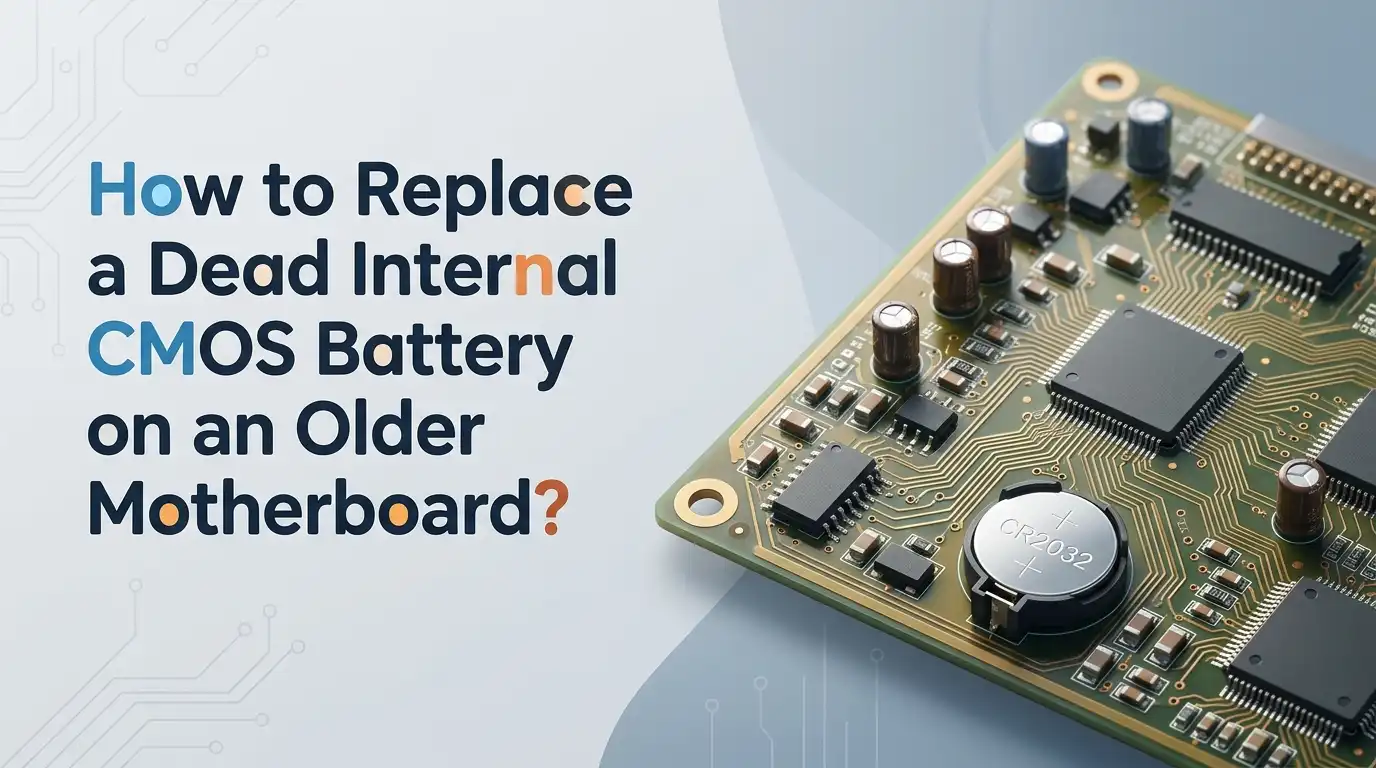
How to Replace a Dead Internal CMOS Battery on an Older Motherboard?
Your old computer suddenly forgets the time every morning. The date jumps back to 2002, and a strange BIOS error greets you at boot. These signs point to one tiny culprit hiding inside your case. The CMOS battery on your motherboard has likely given up after years of quiet service.
Replacing it sounds scary, but the job takes about ten minutes. You do not need to be a technician or own fancy tools.
A flat screwdriver, a fresh coin cell, and a calm hand are enough. This guide walks you through every step in plain language. By the end, your older PC will keep accurate time and remember your BIOS settings again.
Key Takeaways
- The CMOS battery is a small CR2032 coin cell that powers the BIOS memory and the real time clock when your PC is off. Most last between three and ten years on an older motherboard.
- Common warning signs include wrong date and time, BIOS settings resetting after shutdown, boot errors like CMOS checksum failed, and slow startup beeps.
- Always shut down the PC, unplug the power cable, and ground yourself by touching a metal part of the case before touching any component inside.
- The replacement battery costs only a few dollars and is sold at supermarkets, pharmacies, and electronics stores. Pick a trusted brand like Panasonic, Sony, Energizer, or Duracell.
- After fitting the new battery, you must enter BIOS setup and restore your boot order, time, date, and any custom settings you had before.
- The whole task is safe, cheap, and beginner friendly. It can extend the life of an old desktop or workstation by several more years.
What the CMOS Battery Actually Does
The CMOS battery sits flat on your motherboard like a shiny silver coin. It feeds a tiny chip called the CMOS, which stores your BIOS settings, boot order, and the system clock. When you switch off the PC, this small cell keeps that memory alive.
Without it, your motherboard forgets everything the moment power is cut. Older boards rely on this battery even more than modern ones because they lack some flash storage tricks newer systems use.
The cell also keeps the real time clock ticking, so your operating system knows the correct date when it boots. A healthy CMOS battery is quiet and invisible, which is why most people only notice it once it fails.
Signs That Your CMOS Battery Is Dead
A failing CMOS battery shows clear symptoms. The most common one is time and date resetting to a default like January 1, 2000 every time you turn the PC on. You may also see BIOS messages such as CMOS checksum error, CMOS read failure, or system battery voltage is low.
Some older boards beep a few times during POST when the cell is weak. Programs that depend on accurate time, like email clients or SSL certificates, may start throwing errors.
Wi Fi calendars and scheduled tasks can also misbehave. If you change a BIOS setting like boot drive order and it forgets the change overnight, that is a strong hint. These symptoms rarely point to anything else on an older motherboard.
Tools and Materials You Will Need
You do not need a workshop. A few simple items cover the whole job. Grab a Phillips screwdriver for the side panel, and a small flat head screwdriver or plastic spudger for prying the old battery out.
You also need a fresh CR2032 lithium coin cell, which is the standard for almost every desktop motherboard made in the last twenty five years. An antistatic wrist strap is a smart bonus but not strictly required.
A small dish or magnetic tray helps you keep screws safe. Good lighting matters more than people think, so use a desk lamp or flashlight. Finally, keep a notepad ready to write down your current BIOS settings before you start.
How to Confirm the Battery Type Before Buying
Almost every desktop motherboard uses a CR2032 cell, but it is wise to check first. Open your case briefly and look at the battery. The model number is printed on the top face in clear letters. You will see something like CR2032, CR2025, or rarely CR2016.
The numbers tell you the size. CR2032 is 20 millimeters wide and 3.2 millimeters thick. CR2025 is thinner, and CR2016 is thinner still.
Putting the wrong size in a holder may cause poor contact and another early failure. Older laptops and some industrial boards use barrel cells with wires, which need a soldered replacement. Take a photo of the original cell so you can match it perfectly at the store.
Step by Step Replacement Process
Start by shutting down the PC fully. Unplug the power cable from the wall. Press the power button once with the cable removed to drain any leftover charge in the capacitors. Touch a bare metal part of the case to discharge static from your body.
Open the side panel using the rear screws. Lay the case flat so the motherboard faces up. Find the silver coin cell, usually near the PCI slots or the CPU.
Gently push the small metal clip aside with a plastic tool, and the battery pops up at an angle. Lift it out, then slide the new one in with the plus sign facing up. Press it down until the clip snaps.
Safety Tips to Avoid Damaging the Motherboard
Static electricity is the biggest threat during this job. Even a tiny spark you cannot feel can kill a chip. Work on a hard surface, not on carpet or a bed. Wear cotton clothes if possible, and avoid wool sweaters that build up charge.
Never force the battery clip. Older clips become brittle with age and can snap if bent too far. If it feels stiff, use a wooden toothpick to nudge it gently.
Do not use metal tweezers near live circuits, even when the PC is unplugged. Keep the old battery away from children and pets, because lithium cells are dangerous if swallowed. Recycle the dead battery at a proper drop off point rather than tossing it in the bin.
Pros of Doing It Yourself
The repair is cheap, fast, and educational. You save the cost of a technician and learn your hardware better.
Cons of Doing It Yourself
You risk static damage if careless, and very old motherboards may have fragile plastic clips that crack under pressure.
Restoring Your BIOS Settings After the Swap
Once the new battery sits snug in its holder, plug in the power cable and switch the PC on. Press the BIOS key during boot. This is usually Delete, F2, F1, or Esc on older boards. The screen may show a message like CMOS settings wrong, press F1 to continue.
Set the correct date and time first. Then check the boot order so your main hard drive boots first. Older systems often need the SATA mode set to IDE or AHCI to match the original install.
Re enable any custom settings you wrote down earlier, like fan speeds or RAM timings. Save changes and exit. Your PC should now boot normally and remember everything.
Alternative Method: Using a Soldered Battery Holder
Some very old motherboards do not have a removable coin cell. Instead, the battery sits soldered directly to the board or comes as a barrel pack with two wires. Replacing these takes more skill but is still doable at home with patience.
You can desolder the old pack and solder in a fresh CR2032 holder. This upgrade lets you swap cells easily in the future. Another option is an external battery adapter that plugs into a spare jumper labeled EXT BAT. This trick is popular among retro PC fans who restore 486 and Pentium era boards.
Pros of Soldered Holder Upgrade
You gain permanent easy access for all future swaps. The mod also removes the risk of old battery acid leaking onto traces.
Cons of Soldered Holder Upgrade
You need a soldering iron and steady hands. One slip can lift a pad and ruin the board.
What to Do If the PC Still Will Not Boot
Sometimes a PC refuses to start even after a fresh battery. Do not panic. First, check that the cell sits flat with the plus side facing up. A flipped battery gives zero voltage to the CMOS chip.
Next, clear the CMOS by moving the CLRTC jumper across the three pins for ten seconds, then back. This forces a full reset. If you see no display, reseat the RAM and graphics card.
Older boards are picky about loose contacts. Listen for beep codes during POST, because they tell you exactly what is wrong. A repeating long beep often means RAM, while no beep at all may point to a CPU or power supply problem unrelated to the battery.
How to Make the New Battery Last Longer
A fresh CR2032 should keep your BIOS happy for five to ten years. You can stretch that life with a few easy habits. Leave the PC plugged into a working wall outlet when possible, because the power supply trickles small current that spares the battery.
Avoid storing the computer in a hot attic or damp basement. Heat shortens lithium cell life faster than anything else. Switch off the PSU rear switch only when needed, since constant power cycling forces the CMOS to lean on the battery more.
Buy batteries from busy shops rather than dusty corner stores, because old stock loses charge while sitting on shelves. Check the printed expiry date before paying.
When to Consider Upgrading the Whole Motherboard
A dead CMOS battery is a normal age sign, not a death sentence. Still, if your board is over fifteen years old, weigh your options. Capacitors near the CPU may also be drying out, which causes random crashes that no battery can fix.
If you spot bulging or leaking capacitors, plan a board upgrade. Modern motherboards offer faster RAM, SATA, USB 3, and better power efficiency.
However, upgrading often means a new CPU and RAM too. For a casual home PC or a retro gaming rig, a fresh battery is the smarter spend. Keep using the old board until something bigger fails, and enjoy the savings.
Pros of Sticking With the Old Board
You save hundreds of dollars and keep your familiar setup.
Cons of Sticking With the Old Board
You miss modern features and may face more failures soon from aging parts.
Frequently Asked Questions
How long does a new CMOS battery last on an older motherboard?
A fresh CR2032 lasts between three and ten years in most desktops. Boards that stay plugged in often reach the higher end, while machines that sit unused for months drain faster.
Will replacing the CMOS battery erase my hard drive data?
No. The CMOS battery only powers BIOS memory, not your storage. Your files, programs, and operating system stay safe. Only BIOS settings like time, date, and boot order reset.
Can I use a rechargeable battery instead of a CR2032?
You should not. CMOS holders are built for non rechargeable lithium cells at 3 volts. A rechargeable cell delivers different voltage and may damage the chip.
Is it safe to run a PC without any CMOS battery at all?
The PC will still boot, but it forgets every setting on shutdown. You will set the date and boot order on every startup, which gets old fast.
What happens if I install the battery upside down?
The system acts as if the battery is dead. No damage occurs, but the plus side must face up for the cell to power the chip correctly.
Do laptops use the same CMOS battery as desktops?
Many older laptops use a CR2032 connected by a small wire and plug. Some ultrabooks share the main battery instead. Check your laptop service manual before buying a replacement.

Hi, I’m Rosie Tate — a tech enthusiast, gadget geek, and the creator of RapidConvertLab! 🚀 I’ve spent years exploring the ever-evolving world of electronics, smart devices, and Amazon’s hidden tech treasures. Through my honest, hands-on reviews, I help everyday shoppers cut through the noise and pick gadgets that truly deliver value. When I’m not testing a new device, I’m probably unboxing one! 📦✨