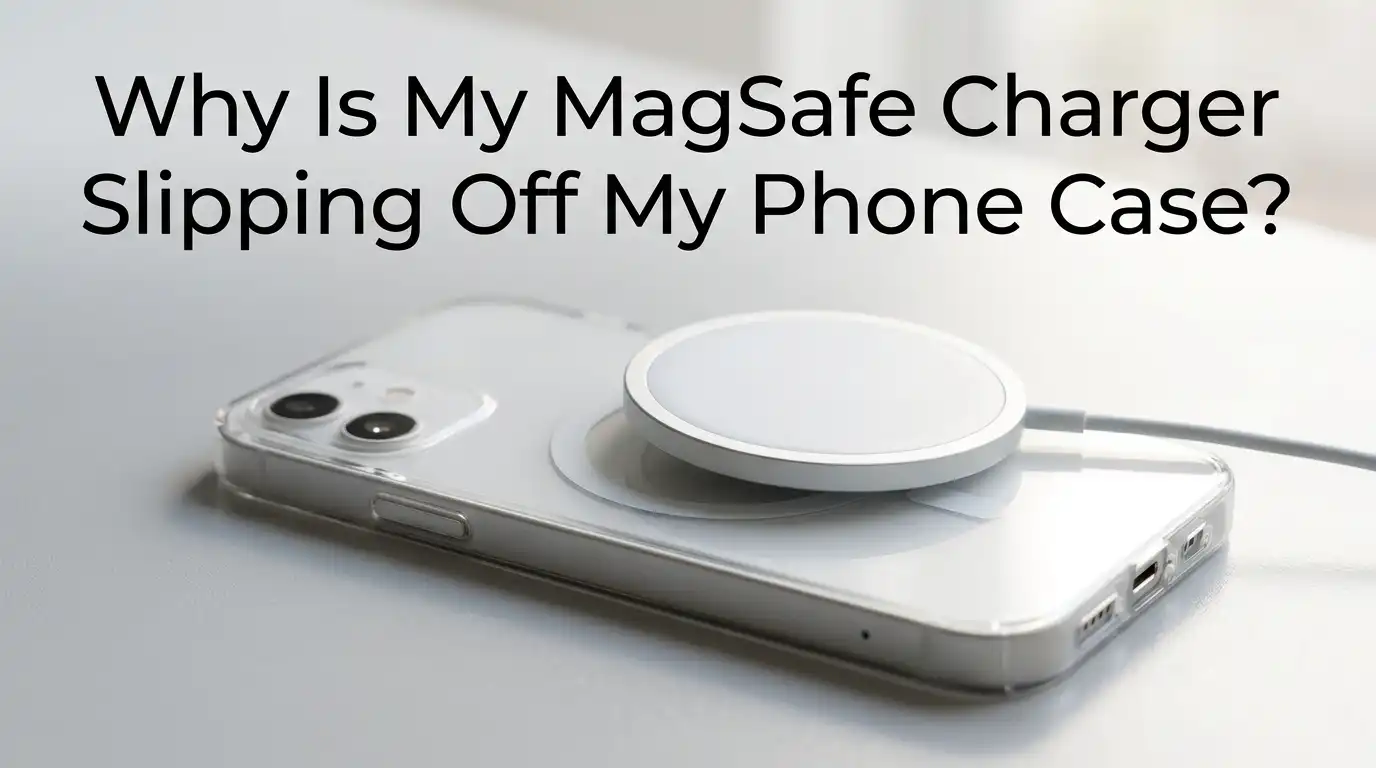
Why Is My MagSafe Charger Slipping Off My Phone Case?
Your MagSafe charger should snap onto the back of your iPhone with a satisfying click. But lately, it keeps sliding down, popping off, or wobbling out of place.
You wake up to a phone that barely charged overnight, and your car mount drops your iPhone at every speed bump. Something is clearly wrong.
The good news is that this problem is common, and you can fix most causes at home. The slipping usually comes from your case, the magnets, the alignment, or the charger itself. Once you find the real reason, the fix takes only a few minutes.
Key Takeaways
- Not every case is MagSafe ready. A case labeled MagSafe compatible has built in magnets, while a regular case does not. If your case lacks magnets, the charger relies only on friction, and it will slip.
- Case thickness matters a lot. Most MagSafe chargers work best with cases under 2mm thick. Anything thicker weakens the magnetic pull and causes the puck to slide.
- Weak or aging magnets fail over time. Cheap cases can lose up to 50% of their magnet strength within six months, especially if the magnets are poorly sealed inside the case.
- Metal, credit cards, and dirt block the connection. A wallet on the back, a metal plate, or pocket lint can all break the magnetic alignment.
- Add on magnet rings can save a non MagSafe case. A self adhesive N52 magnet ring turns almost any case into a magnetic one, though it adds bulk.
- Heat, charger damage, and software bugs also play a role. A hot charger, frayed cable, or buggy iOS update can all reduce holding strength.
Your Case Is Not Truly MagSafe Compatible
Many cases look like MagSafe cases but lack the actual magnets inside. They might have a circle printed on the back, yet the ring of magnets is missing. In that situation, your charger only sticks because of light surface friction, which gives way the moment the phone tilts.
Check the product page or box. If it does not say MagSafe compatible or made for MagSafe, the magnets are likely absent. A real MagSafe case has a ring of magnets plus an alignment magnet at the bottom.
To test it, place a paper clip near the center of the back. If the clip sticks in a circular pattern, your case is genuine. If nothing pulls, you need to upgrade or add a magnetic ring.
Pros of switching to a true MagSafe case: strong hold, perfect alignment, full charging speed, and accessory support.
Cons: certified cases cost more, and the magnets add slight thickness and weight.
The Case Is Too Thick for the Charger
MagSafe magnets only reach so far through plastic and silicone. Most chargers expect a case under 2mm. Rugged cases like Quad Lock or heavy duty armor cases often measure 3mm to 5mm, which is too thick.
When the case is thick, the magnet ring inside sits farther from the charger. The pull weakens, and the puck slips down under its own weight. You may also notice slower charging speeds, often dropping from 15W to around 5W.
Measure the back of your case with a small ruler or caliper. If it goes past 2mm, that is your culprit. Switch to a thinner MagSafe case, or use a charger known to work through thicker cases. Some third party chargers use stronger N52 magnets that punch through extra thickness.
Pros of a thinner case: stronger magnetic grip, faster charging, better accessory hold.
Cons: less drop protection and a more slippery feel in the hand.
The Magnets in Your Case Are Weak or Aging
Even a true MagSafe case can lose strength over time. Cheap cases use low grade magnets that demagnetize quickly, and poor adhesive lets the magnet ring shift inside the case. After six months of daily use, some budget cases hold only half the original pull.
You can test this with a known MagSafe accessory like the Apple wallet or a magnetic car mount. If it falls off easily, the magnets have weakened.
Compare your old case to a new one at a store if you can. The difference in pull is usually obvious. Replacement is the only real fix here because you cannot recharge a permanent magnet at home.
Pros of replacing the case: instant return to full strength and full accessory support.
Cons: you spend money again, and you may need to recycle a case that still looks new.
Dirt, Lint, and Oil Are Reducing the Grip
A clean surface is critical. Even a thin layer of pocket lint, hand oil, or dust adds a slick film between the puck and the case. The magnets still pull, but the surface slides like a hockey puck on ice.
Wipe both the charger and the back of your case with a soft microfiber cloth. For stubborn grime, use a drop of isopropyl alcohol on the cloth, not directly on the device. Let it dry fully before using.
Check the rubber ring on the charger too. If it looks shiny or dented, oils have soaked in. A clean rubber ring grips far better than a dirty one. Make this a weekly habit if you carry your phone in pockets or bags.
Pros of regular cleaning: free, fast, and often solves the slipping right away.
Cons: the fix is temporary because dirt builds up again with daily use.
A Metal Object Is Blocking the Magnets
Anything metal between the case and the phone, or inside a wallet attachment, can scramble the magnetic field. Common culprits include credit cards, coins, metal kickstands, and PopSocket bases without magnets.
Some users stick a metal plate on the back of their case to use with a magnetic car mount. That plate weakens or kills the MagSafe pull because it absorbs the magnetic field before it reaches the charger.
Remove any metal from the back panel area. If you use a card holder, slide cards out before charging. Switch metal plates for proper magnetic adapter rings made for MagSafe.
Pros of removing metal: restores full magnetic strength and protects your cards from demagnetizing.
Cons: you lose the convenience of carrying cards on the back, and you may need a new mount system.
The Charger Itself Is Damaged or Fake
Not every MagSafe puck on the market is genuine. Counterfeit chargers often use weaker magnets and lower quality wiring. They look identical but slip off within seconds. Even real Apple chargers can fail after a drop, a kink in the braided cable, or long term wear.
Inspect the cable near the puck and the USB C plug for fraying or bends. A damaged cable can also cause the magnets to weaken because the internal coil shifts.
If you suspect a fake, weigh the charger. A genuine Apple MagSafe puck weighs about 31 grams. Fakes are usually lighter. Try the puck on a friend’s iPhone. If it slips there too, the charger is the problem.
Pros of replacing the charger: restores full grip, faster charging, and safer power delivery.
Cons: genuine MagSafe chargers cost more than basic wireless pads.
Heat Is Loosening the Connection
MagSafe chargers run warm by design. About 25% of the energy turns into heat during wireless transfer. When the puck gets too hot, the adhesive inside can soften slightly, and the phone’s safety system may even reduce charging speed.
Heat also makes silicone cases tackier in some spots and slipperier in others. Combined with gravity, the puck slides down.
Charge in a cool, open spot. Avoid stacking books on top, charging under pillows, or leaving the setup in direct sunlight. Remove the case during long charging sessions if heat is a problem.
A small fan or a charging stand with airflow vents helps a lot. If your charger feels hot enough to be uncomfortable to touch, unplug it and let it rest.
Pros of cooling the setup: longer charger life, faster charging, and a more secure hold.
Cons: you may need to rearrange your desk or buy a stand with cooling.
The Charger Is Misaligned With the Magnet Ring
MagSafe uses an alignment magnet at the bottom of the ring. If your case has a slightly offset ring, the puck never centers properly. It sits at an angle and slowly drifts off.
Place the puck and feel it pull into place. You should hear a soft click and feel resistance if you try to slide it. If it floats freely, alignment is off.
Try removing the case and sticking the charger directly to your iPhone. If it locks perfectly without the case, the case ring is misaligned. Some cases have this defect from the factory, and only a replacement fixes it.
Pros of fixing alignment: stable charging, proper LED indicator behavior, and reliable accessory mounting.
Cons: you cannot adjust magnets inside a sealed case, so a new case may be the only option.
Adding a Magnetic Ring Adapter to a Regular Case
If you love your current case but it has no magnets, a self adhesive magnetic ring is a strong fix. These rings use N52 neodymium magnets, the same grade Apple uses, and they stick to the back of any case.
Clean the back of your case with alcohol first. Use the alignment tool that comes with the ring to center it over your iPhone’s wireless charging coil. Press firmly for 30 seconds, then wait 24 hours before stressing it.
A good ring adds only about 0.7mm of thickness. It makes the case work with MagSafe chargers, wallets, mounts, and stands. Just remember it sits on top of the case, so the puck rests slightly higher than usual.
Pros of magnetic rings: cheap, fast, and works on almost any case including thick rugged ones.
Cons: adds a visible bump, the adhesive can fail in heat, and alignment must be perfect on the first try.
Software Glitches Can Affect MagSafe Detection
This one surprises many people. iOS controls how MagSafe identifies your case and adjusts charging. A buggy update can change how the phone reports the magnetic connection, which sometimes affects accessory behavior.
Update your iPhone to the latest iOS version through Settings, General, Software Update. If a recent update caused the issue, check Apple Support forums to see if others report the same bug. Apple often pushes a quick fix.
Restart your iPhone after the update. A simple reboot clears small bugs in the charging controller. Also reset your charger by unplugging it for 30 seconds, then plugging it back in.
Pros of software fixes: free, quick, and solves problems no hardware fix can touch.
Cons: updates can introduce new bugs, and the fix only helps if software is truly the cause.
Choosing a Stronger MagSafe Case for the Long Term
If you tried every fix and the slipping continues, the smartest move is a stronger case. Look for cases that advertise N52 magnets, 8 pound hold strength, or MagSafe certification from Apple’s Made for iPhone program.
Read recent reviews to confirm the magnet stays strong after months of use. Skip cases that show many complaints about weakening magnets. Brands that publish hold strength numbers in pounds or grams tend to be more honest.
A certified case costs more but pays off in reliability. You will not drop your phone from a car mount, your wallet will stay on, and your overnight charging will never fail again.
Pros of premium MagSafe cases: the strongest hold, full accessory support, and longer magnet life.
Cons: higher price, sometimes bulkier, and fewer style choices than budget cases.
Daily Habits That Keep Your MagSafe Grip Strong
Small habits go a long way. Keep your phone and charger clean, store them away from heat, and avoid stacking metal objects near the back. When you place the puck, let the magnets pull it in rather than forcing the position.
Replace your case every 12 to 18 months if you use it daily. Magnets weaken slowly, and you may not notice until a critical drop happens. Rotate cases if you own more than one to spread the wear.
Avoid dropping the charger puck. The internal coil and magnet ring can shift even from a short fall. Treat it like a small piece of glassware. With these habits, your MagSafe setup stays reliable for years.
Pros of good habits: longer lifespan for both case and charger, fewer surprise failures.
Cons: requires small daily effort and occasional replacement spending.
FAQs
Why does my MagSafe charger slide down even with a MagSafe case?
The most common reason is a thick case or weak magnets inside the case. Heat, dirt, or a misaligned magnet ring can also cause sliding. Clean both surfaces, check the case thickness, and test the charger on a bare iPhone to find the cause.
Can I use any case with MagSafe?
You can place any case between the charger and the phone, but only true MagSafe cases hold the puck securely. Regular cases may allow slow wireless charging through the back, yet the charger will slip because there are no magnets to grip it.
How do I know if my case has real MagSafe magnets?
Hold a paper clip or small steel object near the center of the case back. If you feel a circular pull pattern, the magnets are there. You can also check the product packaging or website for the words MagSafe compatible or made for MagSafe.
Will a magnetic ring damage my iPhone?
No. Properly aligned magnetic rings made for MagSafe are safe. They use the same neodymium magnets as Apple cases. Just keep credit cards and hotel keys away from the magnets to avoid demagnetizing them.
Do MagSafe magnets get weaker over time?
Yes, but slowly. High quality magnets lose only a tiny fraction of strength each year. Cheap magnets can lose up to half their pull within six months due to poor sealing, heat exposure, or repeated drops.
Can a software update fix MagSafe slipping?
Sometimes. iOS controls how the phone communicates with MagSafe accessories. A buggy update can affect charging behavior. Keep your iPhone updated and restart it after each major update to keep MagSafe working smoothly.

Hi, I’m Rosie Tate — a tech enthusiast, gadget geek, and the creator of RapidConvertLab! 🚀 I’ve spent years exploring the ever-evolving world of electronics, smart devices, and Amazon’s hidden tech treasures. Through my honest, hands-on reviews, I help everyday shoppers cut through the noise and pick gadgets that truly deliver value. When I’m not testing a new device, I’m probably unboxing one! 📦✨