
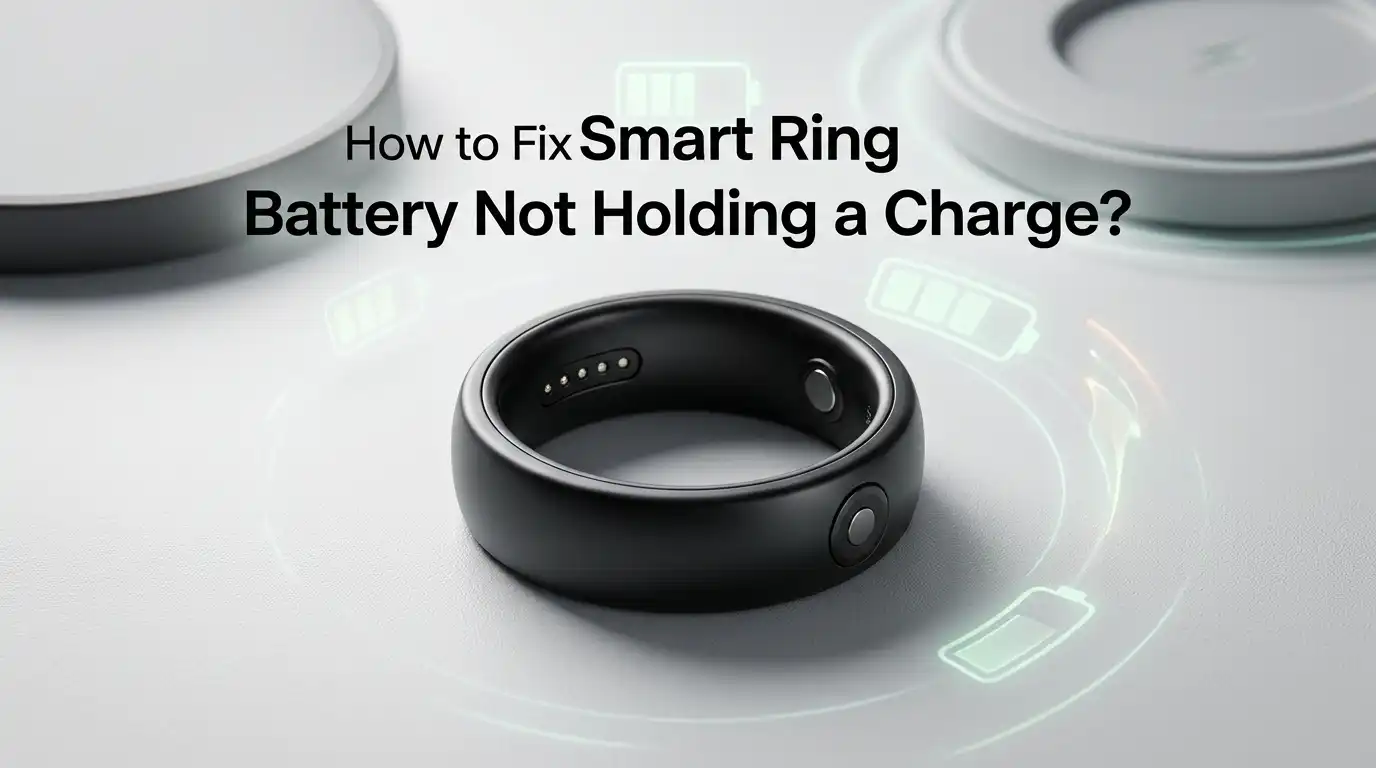
How to Fix Smart Ring Battery Not Holding a Charge?
Your smart ring tracks your sleep, heart rate, and steps every day. But what happens when the battery dies after just a few hours?
A smart ring that won’t hold a charge feels frustrating, especially when you paid hundreds for it. The good news is that most battery problems have simple fixes you can try at home.
This guide walks you through every step. You’ll learn why your ring loses power fast and how to bring it back to life. From cleaning the contacts to firmware resets, each fix is easy to follow. Let’s get your smart ring working like new again.
Key Takeaways
- Dirty charging contacts are the number one cause of poor charging. A quick clean with a dry microfiber cloth often solves the issue right away.
- Firmware bugs can drain your battery in hours. Always check the companion app for the latest update before assuming the hardware is broken.
- Charger problems trick many users into thinking the ring is faulty. Test a different cable, adapter, and outlet before blaming the ring itself.
- Lithium ion batteries inside smart rings naturally degrade after 18 to 24 months of daily use. If your ring is older, the battery itself may be the real problem.
- A factory reset through the app fixes most software glitches that cause fast battery drain. Back up your data first to avoid losing health history.
- Heat damages batteries fast. Never leave your ring in a hot car, near a heater, or in direct sunlight for long periods.
Check If the Charger Is the Real Problem
Many users blame the ring when the charger is the actual issue. Start by testing your power source. Plug another device into the same outlet to confirm it works. Then swap the USB cable for a different one you trust.
Try a different wall adapter too. Some phone fast chargers send too much power for tiny ring batteries. Use a basic 5W adapter instead. If the ring charges fine with a new setup, the original charger was the culprit.
Pros of testing the charger first: It costs nothing, takes five minutes, and rules out the most common cause.
Cons: You may need to buy a replacement charger if yours is dead, which adds a small expense.
Clean the Charging Contacts on the Ring
Sweat, lotion, and dead skin build up on the inside of your ring. This grime blocks the metal contacts from touching the charger pins. Even a thin layer stops power from flowing properly.
Use a dry microfiber cloth to wipe the inside of the ring. For tougher buildup, dip a cotton swab in isopropyl alcohol (70% or higher) and gently rub the gold contacts. Let the ring dry fully before placing it back on the charger.
Pros: This fix solves charging problems for most people. It’s free and safe when done correctly.
Cons: You must avoid getting alcohol inside the ring’s seams. Too much liquid could harm the internal components if your ring is not fully waterproof.
Clean the Charging Dock or Cable Pins
The charger itself collects dust and skin oils too. Look closely at the pins or pads on your charging dock. If you see any dark spots or residue, that’s the problem.
Wipe the dock with a dry cotton swab first. For stuck on dirt, use a swab dipped in alcohol and let it dry completely. Never use water on the charging surface. Also check that no lint is stuck inside the USB C port of the cable.
Pros: Cleaning the dock takes less than a minute and often restores full charging speed.
Cons: Older docks with worn pins may not work even after cleaning. In that case, you’ll need a replacement.
Update the Ring’s Firmware
Smart ring makers push firmware updates often. Some updates fix battery bugs, but others sadly cause new ones. Galaxy Ring users reported major battery drain after a December 2025 firmware update, for example.
Open your ring’s companion app and go to settings. Look for a firmware or software update option. Place the ring on the charger and keep your phone close during the update. Don’t move the ring until the update finishes.
Pros: Updates often fix known battery drain bugs and improve power management. They are free and quick.
Cons: A bad firmware update can sometimes make battery life worse. You may have to wait for the next patch to roll out.
Perform a Soft Reset Through the App
A soft reset clears small software glitches without erasing your data. Open the app, go to your ring settings, and look for a restart or soft reset option. Some rings reset automatically when placed on the charger for a few minutes.
For Oura rings, you can do a quick reset by placing the ring on the charger and removing it five times in a row. A blue light flash usually confirms the reset worked. Always check your specific brand’s reset method first.
Pros: A soft reset keeps all your health data safe. It often fixes battery drain caused by stuck background processes.
Cons: It only works for software issues. Hardware problems like a swollen battery won’t improve from a reset.
Try a Full Factory Reset
If a soft reset didn’t help, try a factory reset. This step wipes all settings and pairs the ring fresh with your phone. First, back up your health data through the cloud sync option in your app.
Next, go to settings, choose factory reset, and confirm. Remove the ring from your phone’s Bluetooth settings too. Then place the ring on the charger and pair it again from scratch. Many users report battery life jumps back to normal after this.
Pros: A factory reset clears every software bug at once. It’s the most powerful software fix available.
Cons: You lose any data not backed up. Setting up the ring again takes about ten minutes.
Turn On Airplane Mode or Reduce Connections
Your ring uses Bluetooth to talk to your phone all day. Constant syncing drains the battery fast, especially if your phone is far away. The ring keeps trying to reconnect, which wastes power.
Some apps offer an airplane mode for the ring. Turning it on for a few hours each day saves serious battery. Also avoid pairing your ring with two phones at once. Use it with one device only for the best battery life.
Pros: This trick can double or even triple your daily battery life. It’s free and easy to toggle.
Cons: You won’t get real time data while airplane mode is on. Some users miss live heart rate or stress alerts.
Turn Off Power Hungry Features
Smart rings track lots of things. Continuous heart rate, SpO2 monitoring, skin temperature, and stress tracking all use power. Turning off the ones you don’t need saves battery in a big way.
Open your app and look at health tracking settings. Switch off features you rarely check. For example, if you only care about sleep, turn off daytime workout tracking. Lower the sync frequency from every minute to every hour if your app allows it.
Pros: You get longer battery life without giving up the features you actually use. Most users see clear improvements.
Cons: You miss some health insights. Switching features off takes a bit of trial and error to find your balance.
Avoid Heat and Cold Damage
Lithium ion batteries hate extreme temperatures. Leaving your ring in a hot car, near a stove, or in direct sun ruins the battery permanently. Cold also hurts performance, though the damage is usually temporary.
Keep your ring in normal room conditions. Take it off before saunas, hot tubs, or long beach days in the sun. Heat damaged batteries hold less and less charge over time and can even swell or smoke in rare cases.
Pros: Protecting your ring from heat extends its life by months or even years. It costs you nothing.
Cons: You have to remember to take it off in certain situations, which feels like a hassle for some people.
Avoid Overcharging and Letting It Fully Drain
Modern smart rings have charge limits built in, but old habits still hurt them. Letting the ring drop to 0% often weakens the battery over time. The same goes for leaving it on the charger for days.
Try to keep the battery between 20% and 80% most of the time. Charge in short bursts when possible. Turning on low battery alerts in your app reminds you to top up before the ring dies completely.
Pros: Smart charging habits add many months to your battery’s healthy lifespan. It’s a simple change with real results.
Cons: It takes some discipline to remember. You may need to charge more often in short sessions.
Check for a Swollen or Damaged Battery
Sometimes the battery itself is the problem. A swollen battery makes the ring feel tight, look slightly bent, or get warm even when not in use. This is a serious safety issue.
If you spot any swelling or smell something odd, stop using the ring right away. Take it off your finger and place it in a safe, fireproof spot. Contact the maker for a replacement. Never try to open or fix a swollen lithium battery yourself.
Pros: Catching a swollen battery early prevents burns or fires. Most makers replace damaged rings under warranty.
Cons: A swollen battery means the ring is done. You’ll need a new one, even if you just bought it.
Contact Support or Use Your Warranty
If nothing fixes the problem, the ring may be defective. Most smart ring brands offer a one or two year warranty on the battery. Check your purchase date and warranty terms in the app or on the brand’s website.
Reach out to support with clear notes. Tell them what fixes you already tried, when the problem started, and how fast the battery drains. Send photos if you see swelling or damage. Many users get a free replacement ring within two weeks.
Pros: A warranty claim is often free and gets you a brand new ring. Support teams can also send custom firmware fixes.
Cons: Wait times can stretch for weeks. Some brands ask you to mail in the old ring before sending a new one.
Know When It’s Time to Replace the Ring
Even with perfect care, smart ring batteries don’t last forever. After 18 to 24 months of daily use, you’ll notice the ring lasts half as long as it did when new. This is normal battery aging, not a defect.
Sadly, most smart rings have batteries you cannot replace. The battery is sealed inside the body for waterproofing reasons. Once it dies for good, the whole ring is e waste. Plan for a replacement around the two year mark if you wear yours daily.
Pros: Knowing the lifespan helps you budget for a new ring. Newer models often have better battery tech.
Cons: Throwing away a working ring just for a dead battery feels wasteful. Recycle through your brand’s program if they offer one.
Frequently Asked Questions
Why does my smart ring die so fast all of a sudden?
Sudden battery drain usually points to a firmware bug, a stuck background process, or a damaged battery. Try a soft reset first. If that fails, update the firmware and check for any swelling. Recent app updates can also cause heavier syncing that drains power fast.
Can I replace the battery in my smart ring myself?
In most cases, no. Smart ring batteries are sealed inside with strong adhesive to keep the ring waterproof. Opening it usually breaks the ring for good. A few brands offer professional battery swap services, so check with your maker before tossing the ring.
How long should a smart ring battery last per charge?
Most smart rings last 4 to 7 days on a full charge. Premium models with better chips can stretch to 8 or 10 days. If yours dies in less than two days and it’s under a year old, something is wrong and you should troubleshoot.
Is it safe to charge my smart ring overnight?
Yes, modern smart rings stop charging once they hit 100%. But charging overnight every night can slowly hurt the battery over time. For best results, charge during the day for about 60 to 90 minutes and take it off when full.
Why does my ring get warm while charging?
Mild warmth during charging is normal, especially for wireless charging models. But if the ring feels too hot to touch or you smell anything odd, unplug it right away. Use a slow 5W adapter and skip fast chargers to keep the temperature low.
Will a factory reset delete my health data?
A factory reset wipes the data stored on the ring itself. But your health history is usually saved in the cloud through your account. Sync your data before the reset and your sleep, heart rate, and activity history will come back when you log in again.

Hi, I’m Rosie Tate — a tech enthusiast, gadget geek, and the creator of RapidConvertLab! 🚀 I’ve spent years exploring the ever-evolving world of electronics, smart devices, and Amazon’s hidden tech treasures. Through my honest, hands-on reviews, I help everyday shoppers cut through the noise and pick gadgets that truly deliver value. When I’m not testing a new device, I’m probably unboxing one! 📦✨