
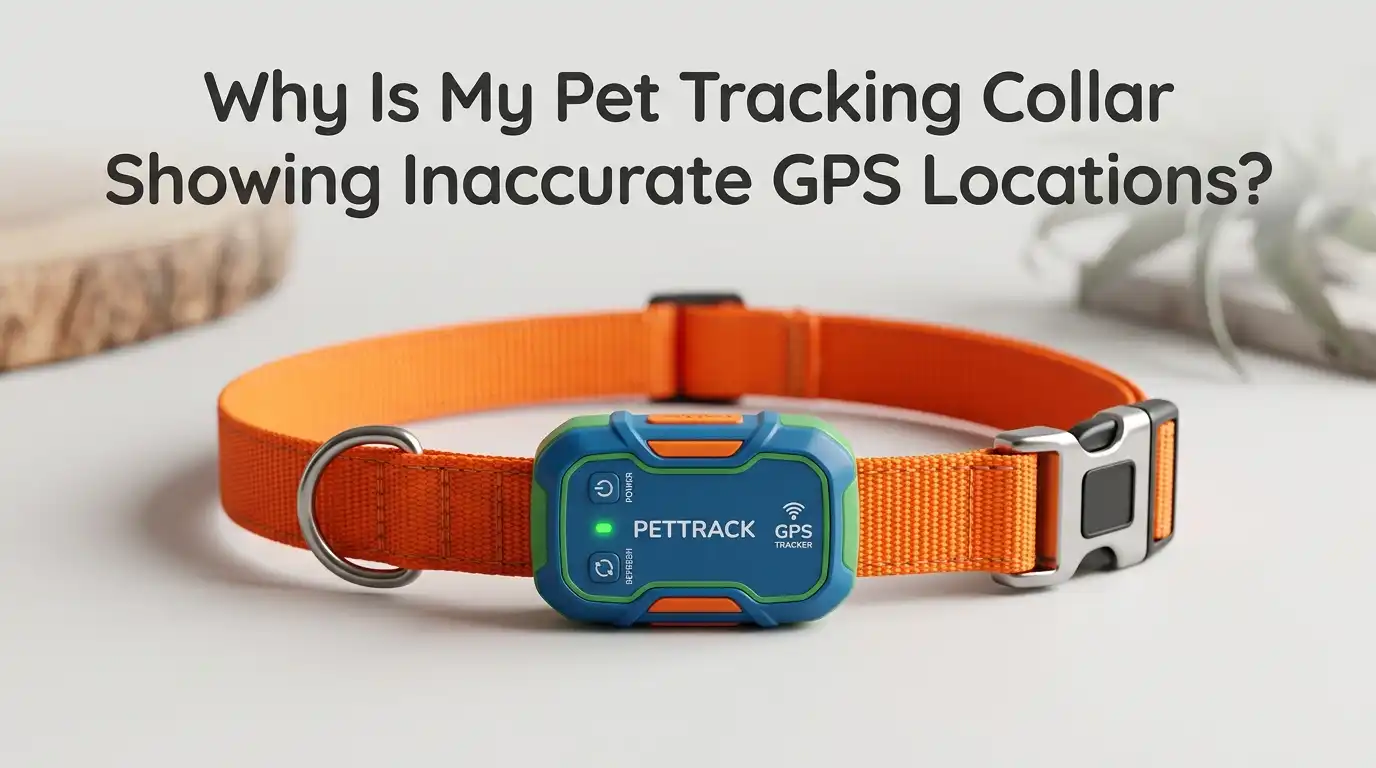
Why Is My Pet Tracking Collar Showing Inaccurate GPS Locations?
You just opened your pet tracking app, and it says your dog is three houses down the street. But your dog is sleeping right next to you on the couch.
Sound familiar? You are not alone. Thousands of pet owners deal with inaccurate GPS readings on their pet tracking collars every single day.
The good news is that most GPS accuracy problems have clear, fixable causes. Whether your collar struggles with signal interference, outdated firmware, poor collar placement, or environmental barriers, there are real solutions you can try right now.
Key Takeaways
- Firmware and app updates matter more than you think. Manufacturers regularly release software updates that improve location accuracy and fix known bugs. Running outdated firmware on your collar or an old version of the companion app can lead to persistent tracking errors.
- Collar fit and placement directly affect signal quality. A loose collar that spins around your pet’s neck or one buried under thick fur may not position the GPS antenna correctly. The antenna generally needs to face upward for the best satellite reception.
- Low battery weakens GPS performance. As the collar’s battery drains, the GPS module may reduce its refresh rate or lose the ability to maintain a strong satellite connection. Keeping the battery charged above 20% helps maintain consistent accuracy.
- Your cellular or network coverage plays a role too. Many pet trackers use cellular networks to send location data to your phone. Weak cellular coverage in your area can delay or distort the location information you receive, even if the GPS fix itself is accurate.
How GPS Pet Tracking Collars Actually Work
Understanding how your collar finds your pet’s location helps you fix problems faster. A GPS pet tracker contains a small receiver that picks up signals from satellites orbiting the Earth.
It needs signals from at least four satellites to calculate a position accurately. Most modern trackers can access satellites from GPS, GLONASS, Galileo, and BeiDou systems, giving them over 100 satellites to work with.
Once the collar calculates a position, it sends that data to your phone through a cellular network or WiFi connection. Your app then displays the location on a map.
Any disruption along this chain, from satellite signal to cellular transmission to app display, can introduce errors. Consumer GPS devices typically provide accuracy within 3 to 10 meters, or roughly 10 to 30 feet, under ideal conditions.
Pros: Understanding this process helps you identify which part of the chain is causing your issue. Cons: There is no single fix because problems can originate at multiple points.
Environmental Obstacles That Block GPS Signals
The number one reason pet trackers show wrong locations is physical obstruction between the collar and satellites. Tall buildings, dense tree canopy, metal roofs, and even steep hillsides can block or reflect satellite signals. This causes the collar to calculate a position based on incomplete data, resulting in an inaccurate reading on your map.
If you live in a neighborhood with tall buildings close together, your tracker will likely show more location errors than someone living in an open rural area. Thick forest canopy can weaken signals before they reach the receiver.
Metal structures like barns, garages, or carports reflect satellite signals, creating what engineers call multi path interference. The collar receives the reflected signal alongside the direct one and gets confused about the true position.
Pros: Moving your pet to open areas produces instant accuracy improvements. Cons: You cannot control your environment, so some locations will always present challenges.
Why GPS Drift Makes Your Pet Appear to Move While Standing Still
GPS drift is a common phenomenon where your pet’s displayed location shifts slightly even when they are not moving. This happens because the satellites used to calculate position are constantly orbiting the Earth. As different satellites come into and out of view, the calculated position can change by a few feet.
Think of it like ocean tides. The position drifts in a small, predictable range. In open spaces, drift may only be 3 to 5 feet. In areas with buildings, trees, or terrain interference, drift can increase to 30 feet or more.
GPS drift is especially noticeable indoors where the collar struggles to get a solid satellite fix. The tracker may show your pet jumping to different spots on the map when they are actually lying still on the floor.
Pros: Drift is normal and does not indicate a broken device. Cons: It creates false alerts and misleading location history that can cause unnecessary worry.
How Indoor Use Destroys GPS Accuracy
If your pet is inside your home, do not expect accurate GPS readings. This is a hard rule. GPS signals are designed to travel from satellites to receivers in open air. Walls, roofs, concrete, and metal framing all weaken or block these signals. Most pet tracking companies openly state that indoor accuracy is limited.
Some trackers use WiFi positioning as a backup when GPS signals are weak. The collar detects nearby WiFi networks and estimates a location based on known network positions. This method can narrow the location down to a general area, but it is far less precise than satellite GPS.
If your tracker has a power saving zone feature tied to your home WiFi, make sure the pin on the map sits exactly on your home’s location. A misplaced pin will show your pet in the wrong spot every time the collar detects your WiFi.
Pros: WiFi positioning provides at least a rough indoor location. Cons: Indoor GPS accuracy will never match outdoor performance regardless of the tracker brand.
The Impact of Weather on Your Tracker’s Accuracy
Heavy rain, snow, and thunderstorms can weaken GPS signal strength and reduce your tracker’s accuracy. Water droplets in the atmosphere can interfere with the transmission of signals between satellites and your pet’s collar. On cloudy or stormy days, you may notice that your pet’s location updates less frequently or shows more drift than usual.
Extreme temperatures also affect performance. Very cold weather can drain the collar’s battery faster, which in turn affects GPS signal strength. Hot temperatures may cause the collar’s internal components to throttle performance to prevent overheating.
While you cannot control the weather, you can plan around it. Check the forecast and be aware that your tracker may be less reliable during severe weather events.
Pros: Weather effects are temporary and resolve on their own. Cons: You have no control over atmospheric conditions.
How Low Battery Drains GPS Performance
A dying battery does more than just risk losing tracking altogether. As the battery level drops, many pet trackers reduce their GPS refresh rate to conserve power. Instead of updating your pet’s location every few seconds, the collar may switch to updates every few minutes or even stop attempting GPS fixes entirely.
Low battery also weakens the collar’s ability to maintain a strong connection with satellites. The GPS receiver requires consistent power to communicate with multiple satellites simultaneously.
When power drops below a certain threshold, the receiver may lock onto fewer satellites, producing less accurate fixes. Keep your collar charged above 20% for the best performance. Set up battery alerts in your tracking app so you get a notification before the battery gets critically low.
Pros: This is one of the easiest problems to fix by simply charging the collar. Cons: Frequent charging can be inconvenient, especially for active outdoor pets.
Collar Fit and Placement Mistakes That Hurt Accuracy
Where the GPS module sits on your pet’s neck matters a great deal. The GPS antenna inside the collar needs a clear path to the sky to receive satellite signals. If the collar is too loose and rotates around your pet’s neck, the antenna may end up pointing downward or sideways, cutting off its satellite connection.
Thick fur can also create problems. Long haired breeds may have so much fur between the collar and the sky that it weakens the signal reaching the antenna. Make sure the collar fits snugly but comfortably.
Position the GPS unit on the top of your pet’s neck where it has the most unobstructed view of the sky. Some pet owners trim a small patch of fur around the collar area to improve reception, though this is optional and depends on your pet’s coat type.
Pros: Adjusting collar fit takes seconds and can dramatically improve accuracy. Cons: Active pets may shift the collar position during play or exercise.
Outdated Firmware and App Software Issues
Manufacturers release firmware updates for pet tracking collars on a regular basis. These updates often include improvements to GPS accuracy algorithms, bug fixes, and better satellite connection protocols. If you have not updated your collar’s firmware in months, you may be missing out on significant accuracy improvements.
The same applies to the companion app on your phone. An outdated app may not process location data correctly or may have known display bugs that show your pet in the wrong spot. Check your tracker’s app for available updates at least once a month.
Most apps send push notifications when updates are available, but you should also manually check the settings section for firmware update options. Always update both the collar firmware and the app together to keep them in sync.
Pros: Updates are free and often produce noticeable accuracy improvements. Cons: Some updates require the collar to be near your phone and connected to WiFi, which takes time.
Cellular Network Coverage and Data Transmission Problems
Your pet tracker’s GPS receiver may calculate a perfectly accurate position. But if the collar cannot send that data to your phone because of weak cellular network coverage, the location you see on the app will be delayed or inaccurate. Many pet trackers rely on 4G or LTE cellular networks to transmit location data.
If you live in a rural area with spotty cell service, your tracker may struggle to send regular updates. The app might display a stale location from 10 minutes ago instead of your pet’s current position.
Some trackers store location data locally on the collar and upload it once cellular coverage is restored. This means your pet’s route history may eventually be accurate even if real time tracking is unreliable.
Check your tracker’s network coverage map in the app or on the manufacturer’s website to see if your area has strong signal coverage.
Pros: Stored data can provide accurate route history even with weak signal. Cons: Real time tracking is unreliable in areas with poor cellular coverage.
Interference from Nearby Electronic Devices
Your home and neighborhood are full of electronic devices that emit radio signals. WiFi routers, Bluetooth speakers, baby monitors, microwaves, and nearby cell towers all produce electromagnetic interference that can affect your pet tracker’s GPS reception. While modern trackers are designed to filter out most interference, heavily saturated environments can still cause problems.
If you notice that your tracker is less accurate at home but works fine at the park, electronic interference from household devices might be the cause.
Try moving the collar away from clusters of electronics when charging or syncing. Some pet owners find that their tracker performs better after switching their WiFi router to a different channel to reduce signal overlap.
Pros: Identifying interference sources can lead to quick fixes. Cons: You may not be able to eliminate all sources of interference in your environment.
Step by Step Troubleshooting Guide for Inaccurate GPS
Start with the simplest fixes first before assuming your collar is defective. First, take the collar outside to an open area away from buildings and trees. Turn on live tracking and walk for 10 minutes. This gives the collar time to establish a strong satellite connection and shows you how it performs under ideal conditions.
Second, check the battery level and charge the collar to full. Third, open the companion app and check for both app updates and firmware updates. Install any available updates.
Fourth, verify that the collar fits snugly with the GPS module positioned on the top of your pet’s neck. Fifth, check your power saving zone or WiFi zone settings to make sure the home pin is correctly placed on the map.
If the collar still shows inaccurate locations after these steps, contact the manufacturer’s customer support for device specific troubleshooting or a potential replacement.
Pros: This process eliminates the most common issues quickly. Cons: If the problem is hardware related, only the manufacturer can help.
When to Consider Replacing Your Pet Tracking Collar
Sometimes a collar is simply worn out or defective. If you have tried every troubleshooting step and your tracker still shows wildly inaccurate locations, the GPS hardware inside the collar may be damaged. Water damage, physical impacts from rough play, and general wear over time can degrade the GPS antenna and receiver.
Older model trackers also lack the multi band satellite technology found in newer devices. Modern collars can access over 100 satellites across four global systems, while older models may only connect to standard GPS satellites.
If your collar is more than two or three years old, upgrading to a newer model will likely give you noticeably better accuracy. Look for trackers that support dual band GPS reception and access to multiple satellite constellations like GPS, GLONASS, Galileo, and BeiDou.
Pros: Newer trackers offer dramatically better accuracy and features. Cons: Replacing a collar involves additional cost.
Tips to Maintain Long Term GPS Accuracy
Keeping your pet tracker accurate over the long term requires a few simple habits. Charge the collar regularly and do not let it drop below 20% battery. Update the firmware and app as soon as new versions are released. Clean the collar periodically to remove dirt, mud, and moisture that could interfere with the antenna or charging contacts.
Store the collar properly when not in use. Avoid leaving it in direct sunlight for extended periods or in extremely cold environments. Inspect the collar monthly for signs of physical damage, cracks, or worn seals that could let water inside.
Test accuracy once a month by taking a short outdoor walk with live tracking enabled. These small maintenance steps keep your tracker performing at its best and help you catch problems before they become serious.
Pros: Regular maintenance extends the lifespan and accuracy of your tracker. Cons: Requires consistent effort and attention.
Frequently Asked Questions
How accurate should a pet GPS tracker be under normal conditions?
Most pet GPS trackers provide accuracy within 3 to 10 meters (10 to 30 feet) under ideal outdoor conditions with clear sky visibility. Accuracy decreases indoors, under heavy tree cover, or in areas surrounded by tall buildings. Newer models with multi band satellite support can achieve accuracy under 5 feet in open environments.
Why does my pet tracker show my pet in a different location when they are at home?
This usually happens because GPS signals cannot penetrate walls and roofs effectively. Your tracker may rely on WiFi positioning indoors, which is less precise. Check that your power saving zone or home WiFi pin is placed correctly on the map in your app, as a misplaced pin causes the tracker to display the wrong home location.
Can weather really affect my pet tracker’s GPS accuracy?
Yes. Heavy rain, snow, and thick cloud cover can weaken satellite signals and reduce accuracy. Extreme temperatures also affect battery performance, which indirectly impacts GPS function. Weather effects are temporary, and accuracy should return to normal once conditions improve.
How often should I update my pet tracker’s firmware?
Check for updates at least once a month. Manufacturers regularly release firmware improvements that enhance GPS accuracy, fix bugs, and improve satellite connection protocols. Enable push notifications in your tracking app so you receive alerts when new updates become available.
Does my pet’s fur thickness affect GPS accuracy?
It can. Very thick or long fur between the collar and the sky may slightly weaken satellite signal reception. Ensuring the collar sits snugly against the skin with the GPS module facing upward helps maintain the best possible connection. Some owners trim the fur near the collar area for improved performance.
Should I use live tracking mode indoors?
No. Live tracking indoors typically causes erratic location jumps because GPS signals bounce off walls and furniture. Use default tracking mode when your pet is inside. Save live tracking for outdoor walks and activities where the collar has clear access to satellite signals.

Hi, I’m Rosie Tate — a tech enthusiast, gadget geek, and the creator of RapidConvertLab! 🚀 I’ve spent years exploring the ever-evolving world of electronics, smart devices, and Amazon’s hidden tech treasures. Through my honest, hands-on reviews, I help everyday shoppers cut through the noise and pick gadgets that truly deliver value. When I’m not testing a new device, I’m probably unboxing one! 📦✨